Automated Visual Inspection for Industrial Quality Control
-
01 — Prepare dataset
No manual labeling
Capture training images on the shop floor with any iPhone. Annotate components on a single frame and the system labels the rest of the dataset automatically. No data leaves your facility. No site visit required.
Learn more → -
02 — Define acceptance
Define good once
Point the camera at a correctly assembled part to define what good looks like. The system synthesizes failure scenarios automatically and learns exactly where the difference is. When the assembly changes, reconfiguring takes minutes, not days.
Learn more → -
03 — Use in production
Inspection follows the work
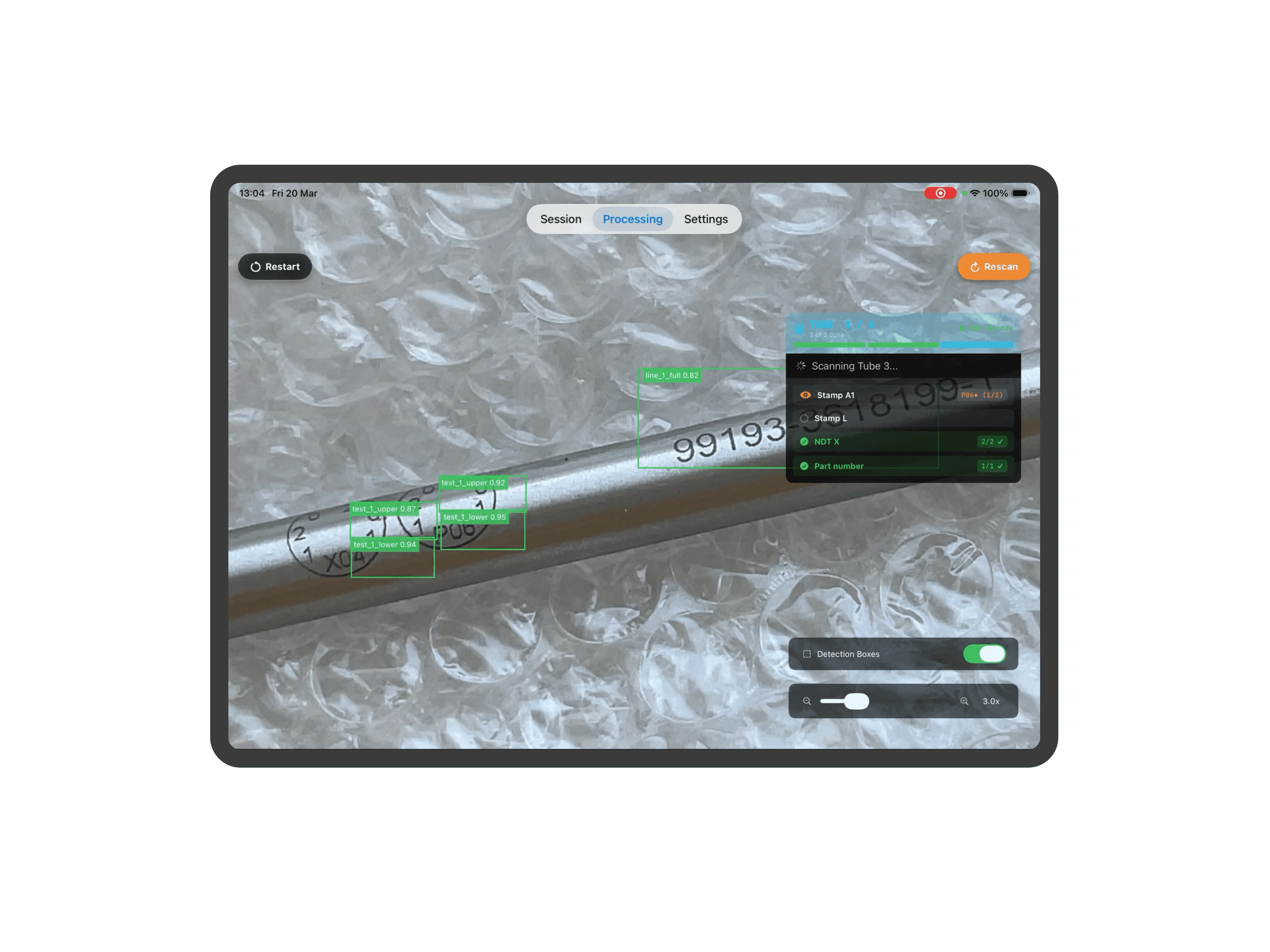
The system returns a real-time pass/fail verdict with failure reasons tied to your acceptance criteria. It runs on standard iPhones and iPads, freeing operators from fixed stations to move with the work.
Learn more →
Product

From manual checks to automated inspection
Product
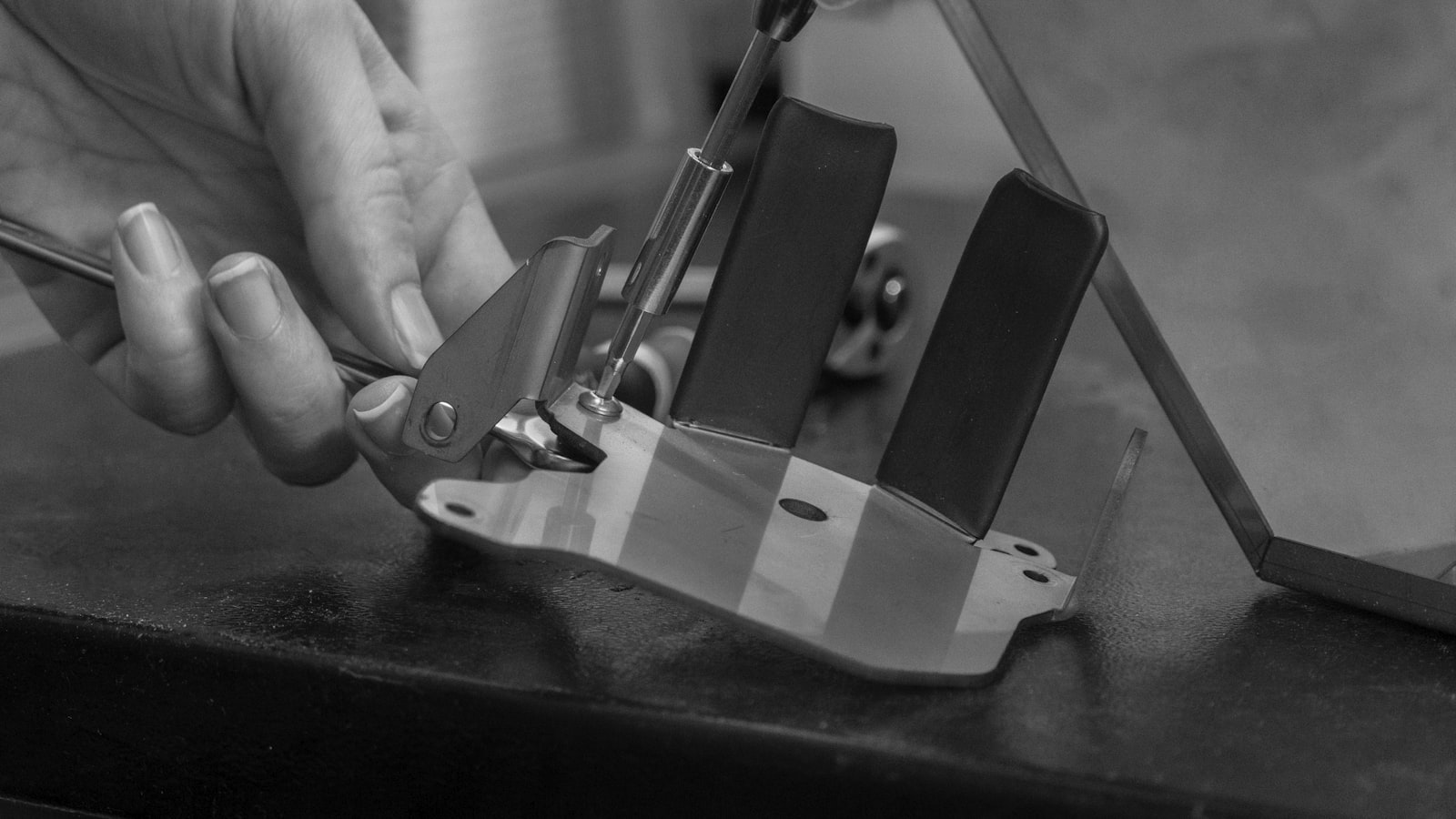
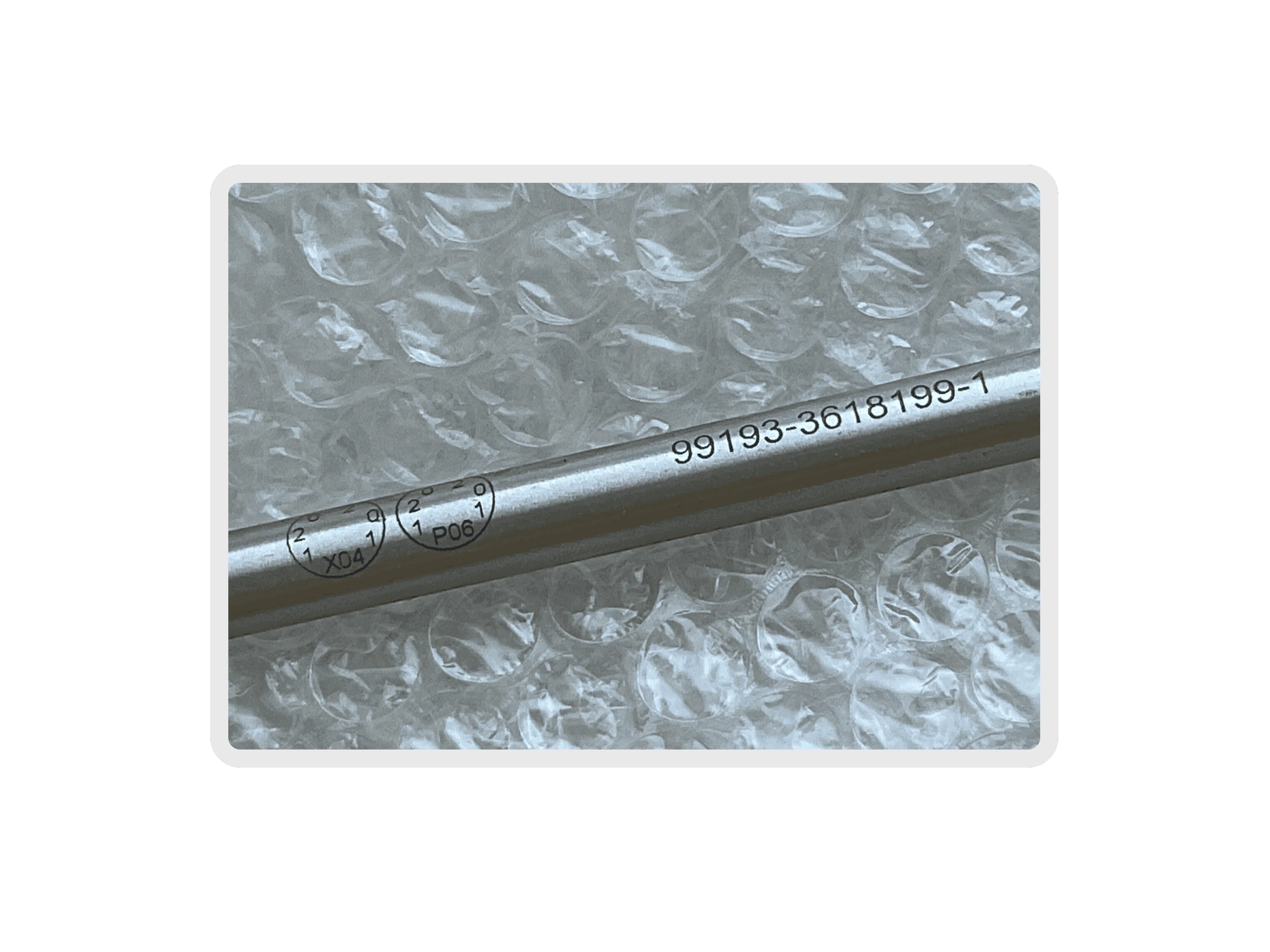
From manual checks to automated inspection
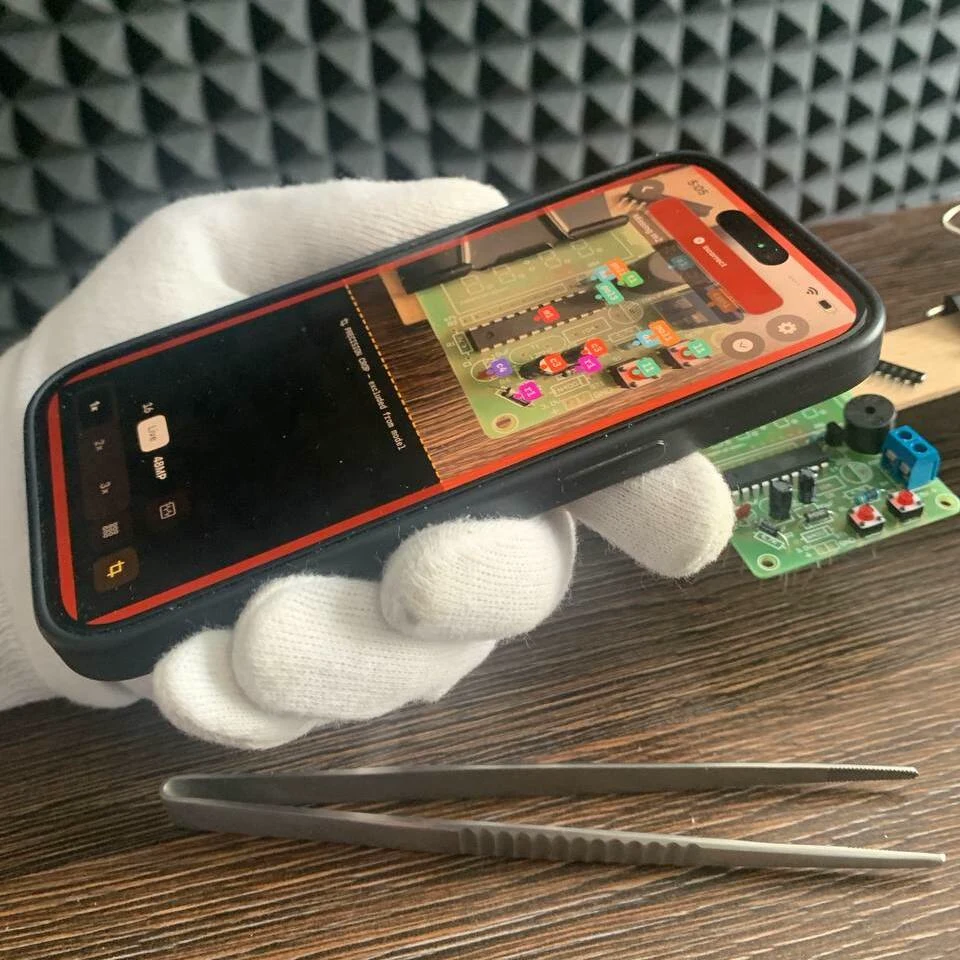
Mobile-first
No fixtures, no dedicated cameras, no inspection station. Built to work in the operator's hands.
- Any iPhone or iPad your team already owns
- Collect training data, label, and inspect on one device
- Ruggedized cases for demanding environments
- Managed deployment through Apple Business Manager
- Operators learn the workflow in minutes
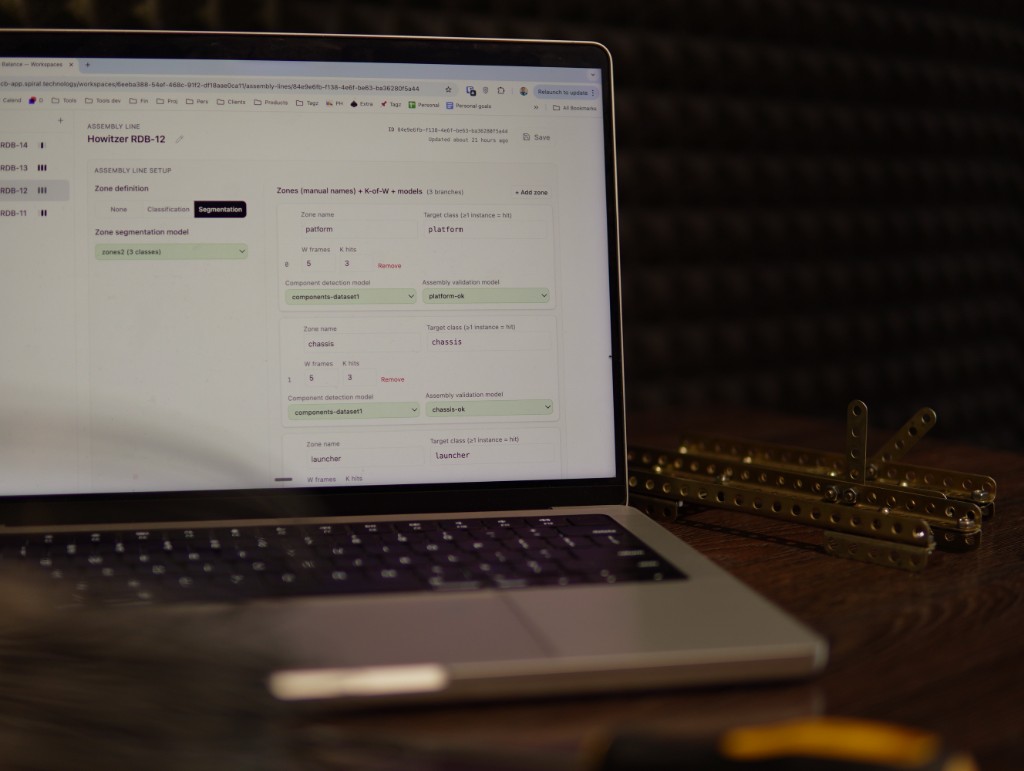
Fast reconfiguration
In high-mix, low-volume manufacturing, every short run brings a different part. Traditional machine vision needs weeks of fixture tuning for each variant. Inventor keeps inspection live across changeovers.
-
5 – 30 min
new scenario for existing parts
-
3 – 4 h
new part within existing configuration
-
~24 h
new assembly or part family
-
~1 week
first or new custom deployment
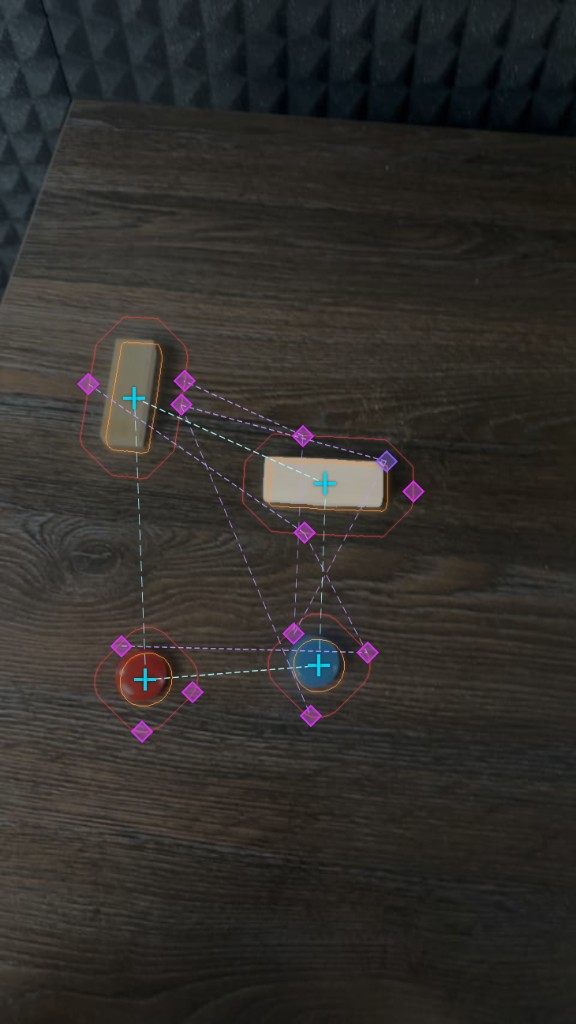
Learned, not programmed
A cascade of purpose-trained models handles every stage from first-frame annotation to final inspection verdict. Every decision is learned from your data; nothing is hardcoded.
- One-shot annotation: label a single frame, propagate to the full dataset
- Custom-trained vision models for each component class
- Transformer learns assembly configurations
- Zone segmentation picks the model for each view
- No-code interface links models to assembly lines
Self-assessment
Check if Inventor fits your line
Product
Replace paper logs with AR-anchored defect records
Product
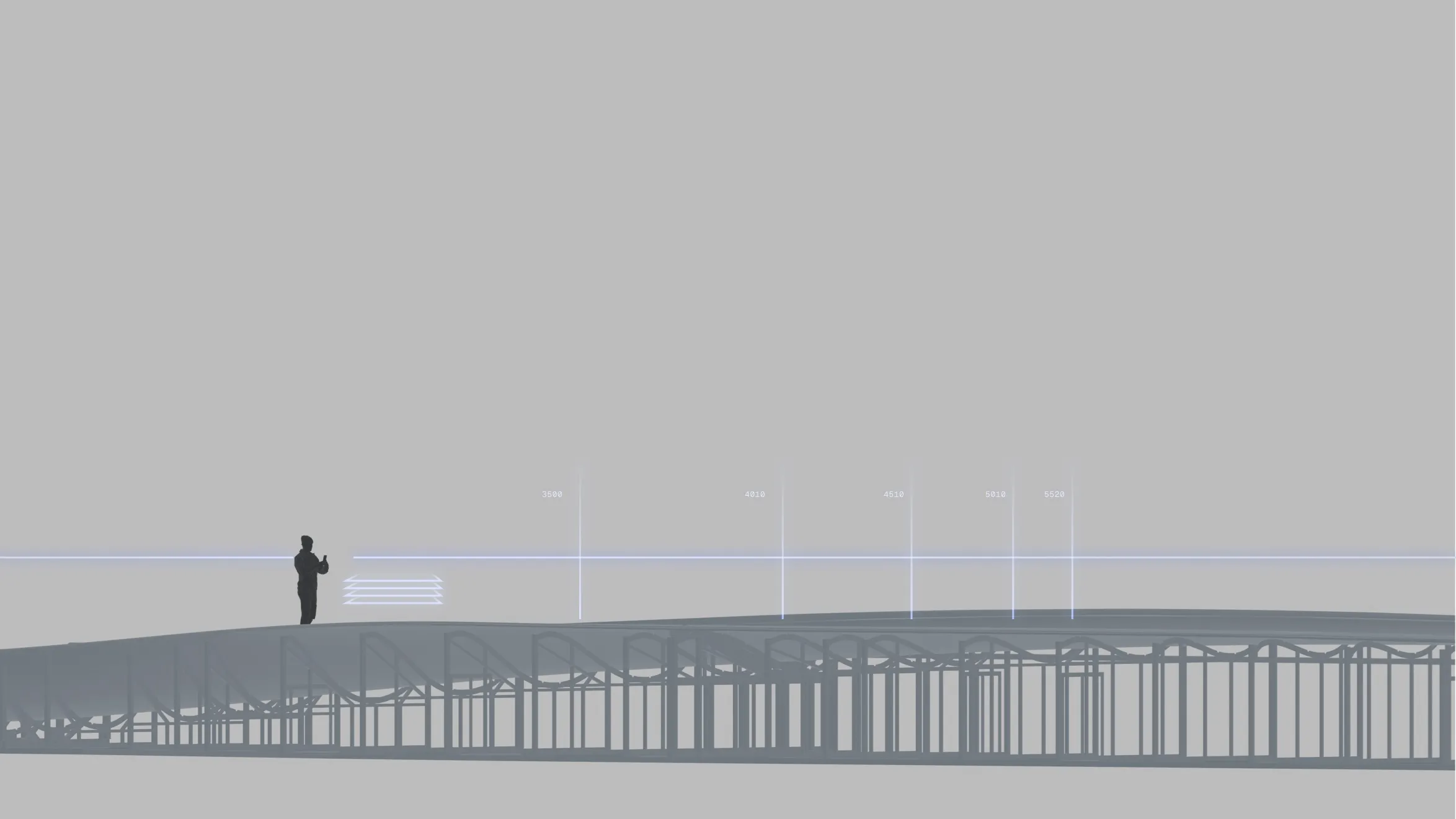
01.
One spatial record, shared across every crew.
Roboscope anchors each defect to the blade surface in AR at the moment of inspection. The coordinate persists — repair technicians open the same session and walk directly to the marked position.
02.
Defect found once. Referenced as many times as needed.
Five defects on a 70 m blade. Each located once during inspection, pinned in AR with ~5 cm accuracy, and available to every downstream operator without re-survey.
03.
Layup configuration accessible at the point of inspection.
Each defect marker is cross-referenced against the layup stack at that exact surface position. The technician reads ply sequence, material, and orientation without leaving the inspection location.
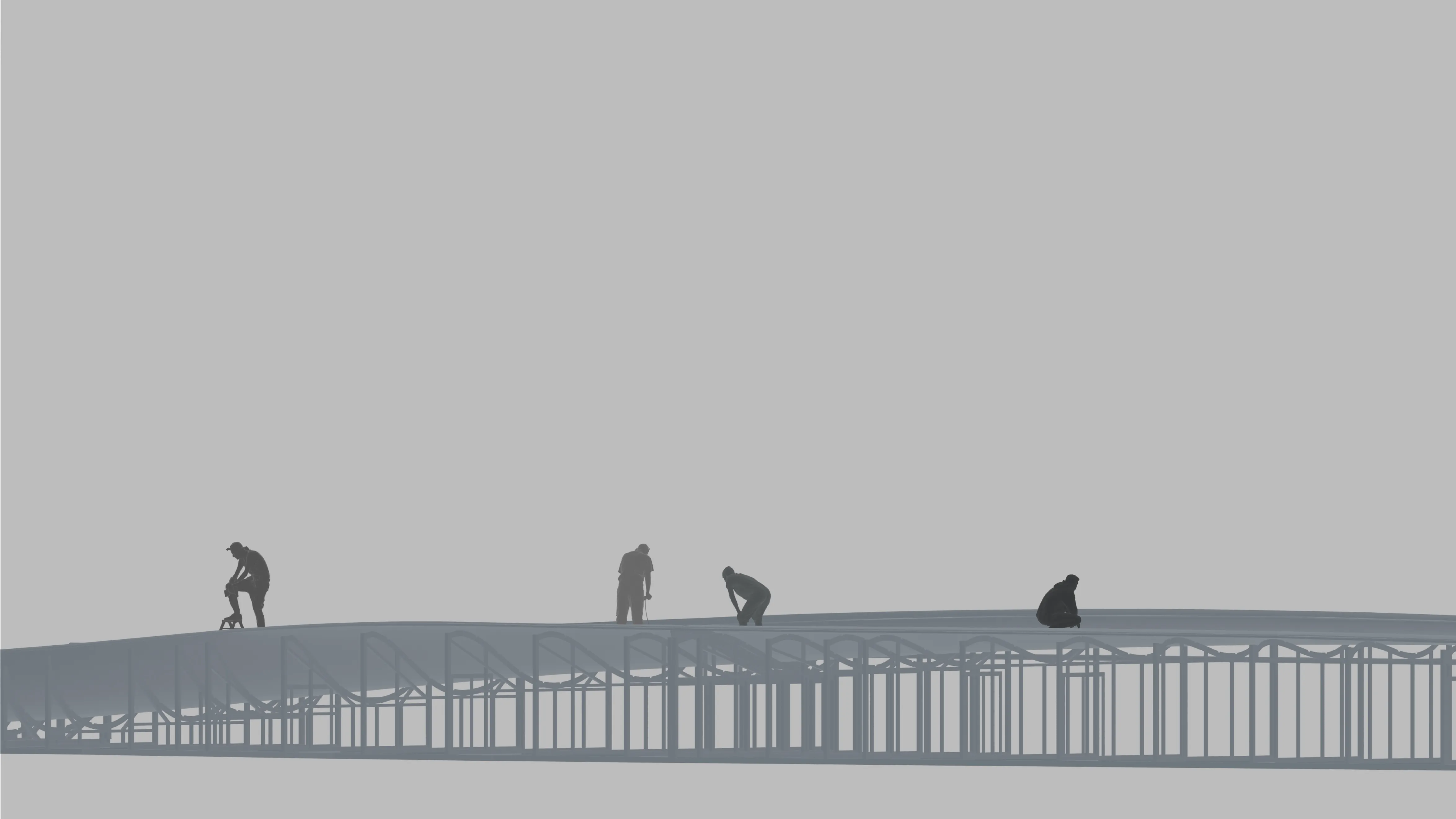
01.
No shared coordinate system.
Inspector records position by tape measure and written description. Repair technician re-locates each defect independently on site. The finding does not transfer — only the report does.
02.
Found twice, logged once.
Five defects on a 70 m blade. Each located by the inspection crew, documented on paper, then located again by the repair crew. No persistent spatial reference between the two operations.
03.
The inspection record ends at the notebook.
Surface position is noted. Ply stack depth is not. The QMS receives a written description; the repair technician receives the same. Neither contains a coordinate that survives the handoff.
Replace paper logs with AR-anchored defect records
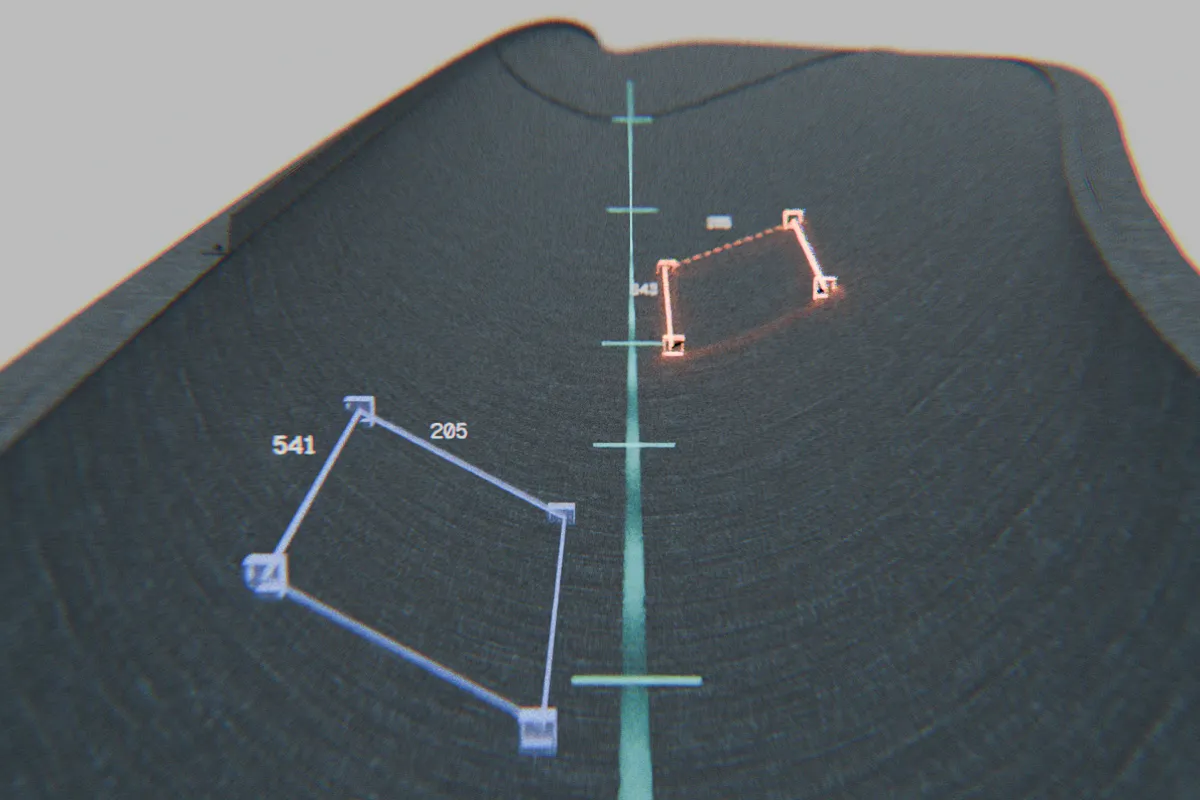
AR defect registration
Anchors defect markers directly to physical surfaces using iPhone AR, capturing type, location, and dimensions in a single session.
-
~5 cm
AR placement accuracy
-
iOS
native iPhone application
-
Single session
Full inspection of one blade shell or web
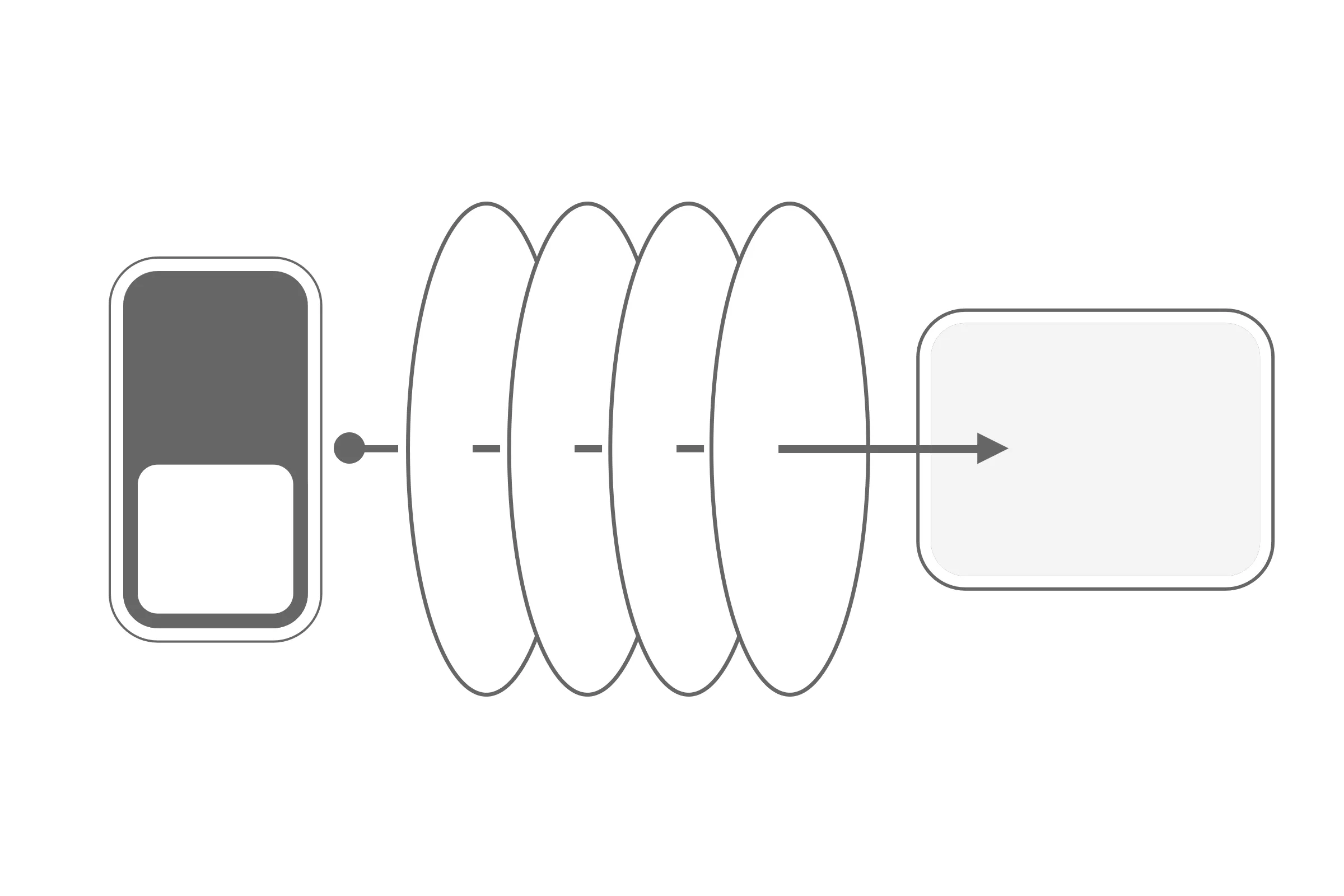
Digital quality record
A complete, structured record for every defect: type, measurements, photos, and repair context. One inspection flow, nothing re-entered.
- Capture defect type and parameters
- Photograph each finding in context
- Access contextual knowledge base
- Log findings for audit and corrective action
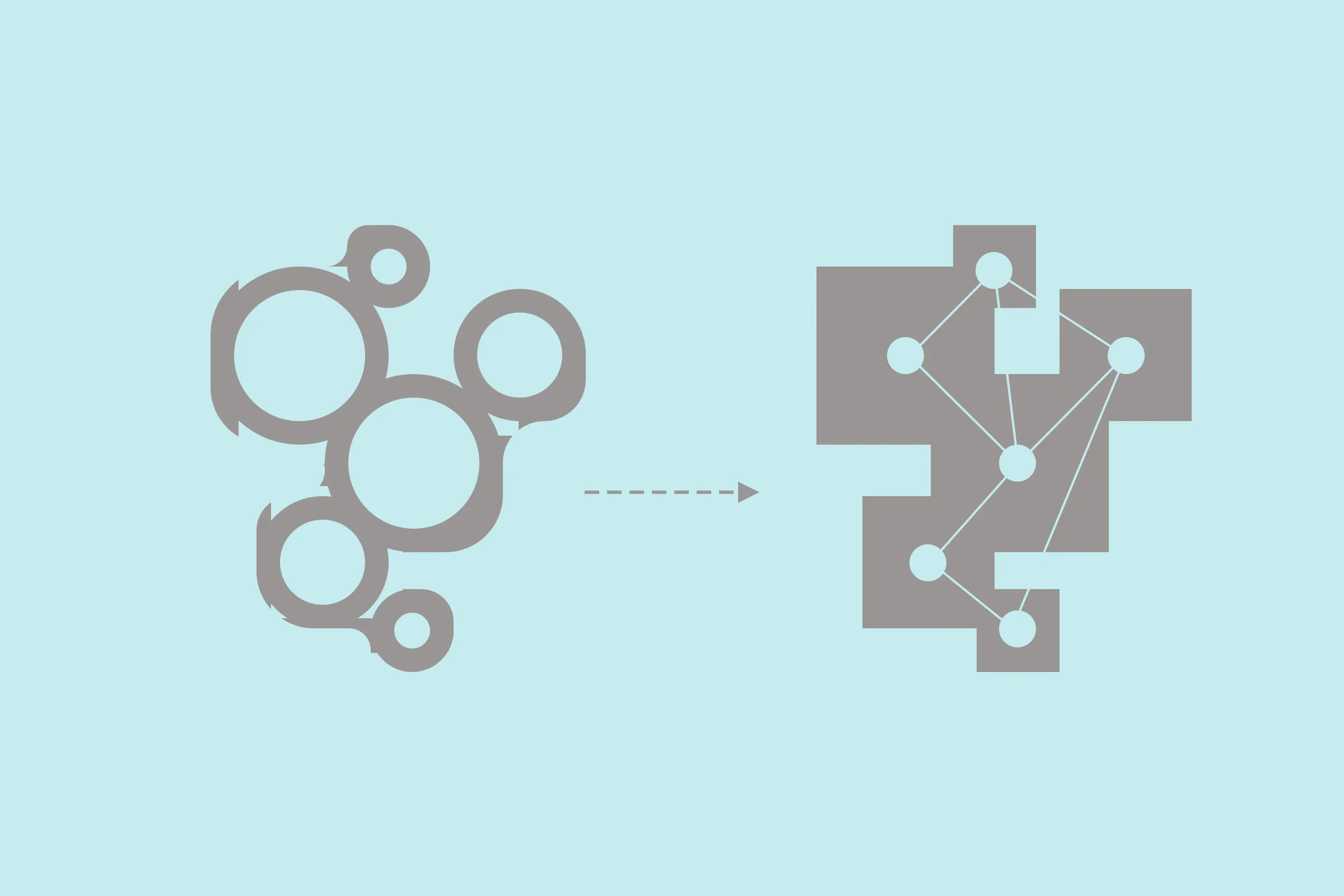
Purpose-trained computer vision models
Detect and measure surface defects on wind turbine blades and other large industrial parts.
- Classify defect type and severity
- Calculate the affected area
- Measure dimensions down to 3 mm
- Validate repair quality against baseline
- Verify circularity compliance
Self-assessment
Check if Roboscope fits your operations
Detection
Core detection models
Inspections we already run, trained on real shop-floor or field datasets.
Click a card to flip.
Get started
See what Spiral can do for your production line.
Our team works directly with quality and operations teams to scope, configure, and deploy — typically in days.
Contact
Start a conversation.
Ready to automate visual inspection on your production floor?